

What Is AI? Artificial Intelligence Explained Simply (Day 2)
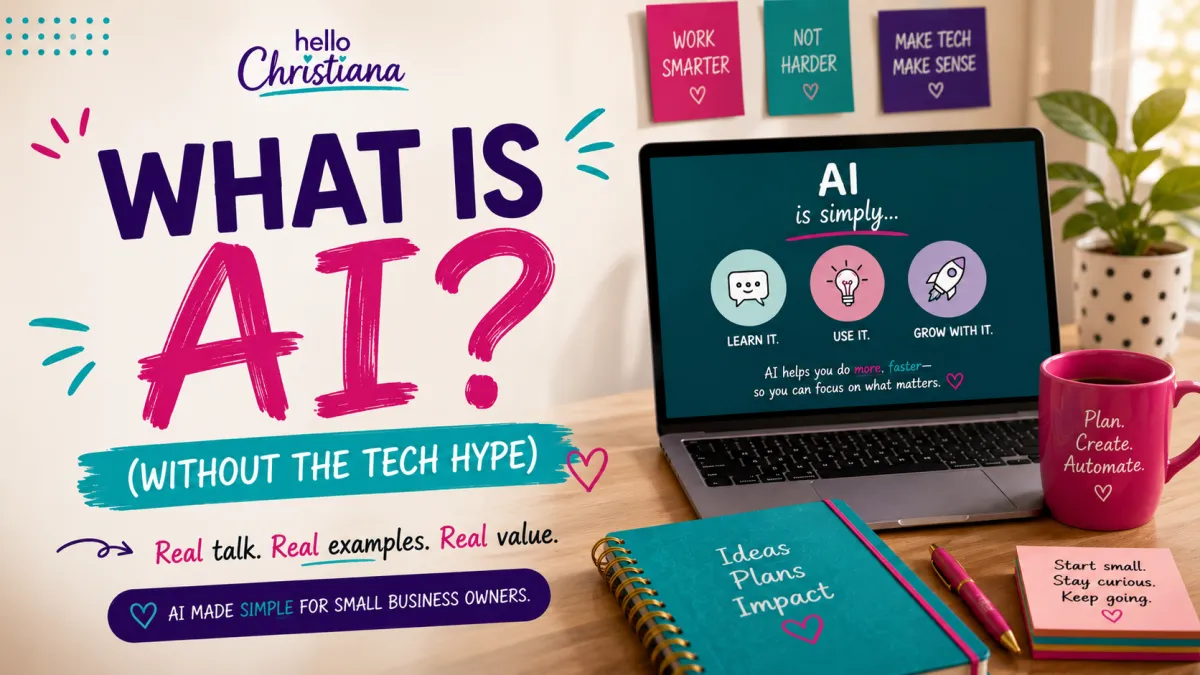
What Is AI? Artificial Intelligence Explained Simply
AI is everywhere.
Your phone knows your face. Your email filters spam automatically. Netflix somehow knows you want to watch true crime documentaries at midnight (no judgment). Your GPS reroutes you around traffic without you asking.
All of that? AI.
But if someone asked you "What actually IS artificial intelligence?"—could you explain it without using the word "technology" three times and hoping for the best?
My 74-year-old mother-in-law Ms. Cookie asked me this exact question last week. She said, "Is it like... a robot brain that thinks?"
Close, Ms. Cookie. But not quite.
Here's what AI actually is, in plain English. No tech jargon. No robot uprising theories. Just clarity.
💡 SERIES NOTE: This is the foundation post for my "21 Days of AI That'll Save Your Ass" series—where I break down AI tools in plain English for small business owners who don't have time for tech jargon. Each day = one concept, clearly explained.
→ Next: Day 3: What Is a Chatbot?
What Is AI (Artificial Intelligence)?
AI stands for Artificial Intelligence.
But here's what that actually means: AI is software that can learn patterns and make decisions without being told exactly what to do every single time.
Let me break that down.
Old software followed instructions. You programmed it: "If someone clicks A, show them B." That's it. It did exactly what you told it to do, nothing more, nothing less.
AI is different. AI watches millions of examples, figures out the patterns on its own, and learns how to respond without you spelling out every single scenario.
It's like the difference between following a recipe exactly (old software) and learning to cook by watching thousands of cooking videos until you understand what "sauté until golden" actually means (AI).
That's why Netflix gets better at recommending shows the more you watch. That's why your email knows what's spam without you manually marking every junk message. That's why your phone can unlock by recognizing your face—even when you're wearing glasses or a hat.
It learned. From data. From patterns. From experience.
How AI Actually Works
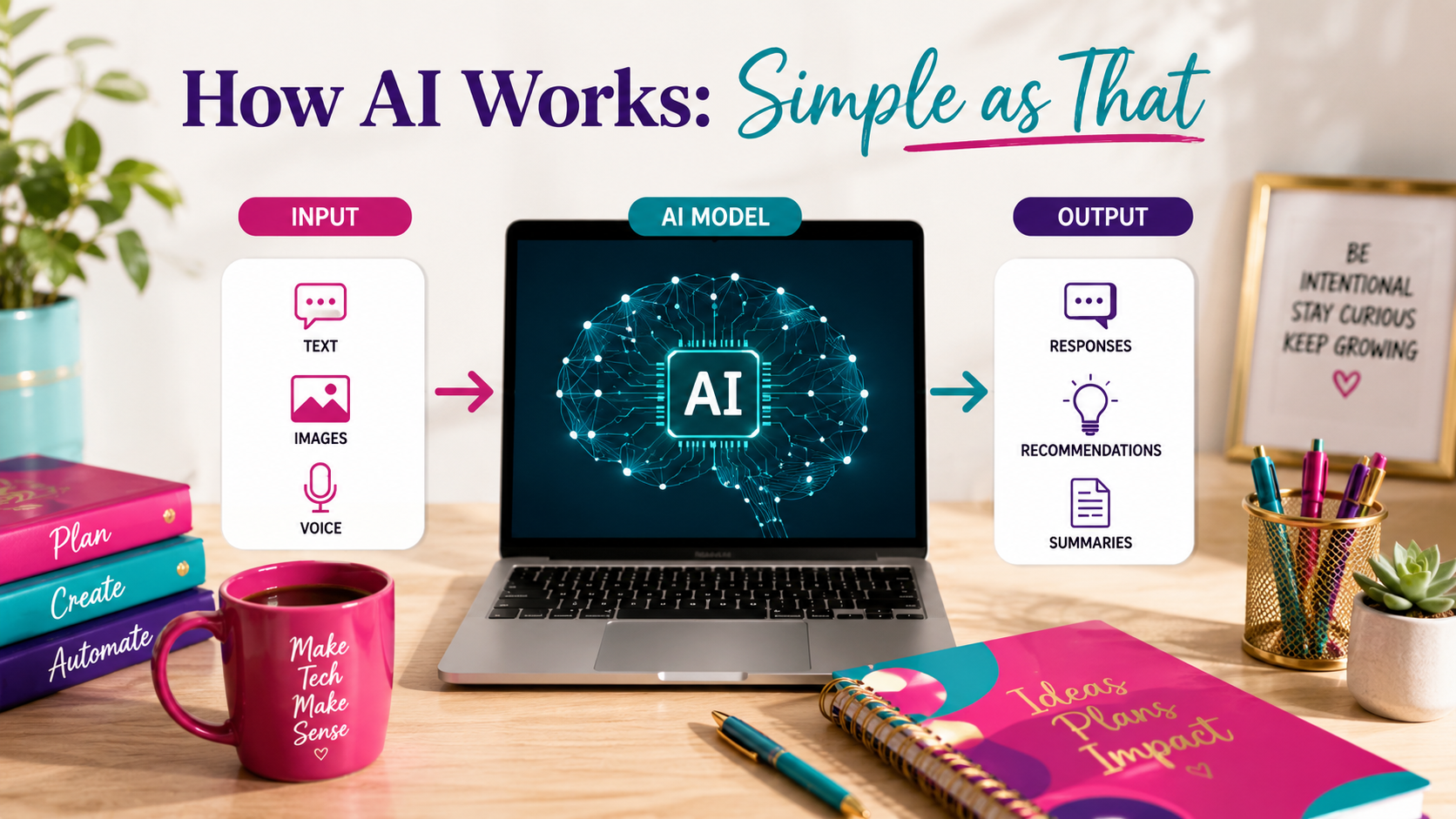
Here's the simplest explanation I can give you:
Step 1: Feed it data
AI systems are trained on massive amounts of information. Images, text, videos, patterns—whatever is relevant to what you want it to do.
Step 2: It finds patterns
The AI analyzes all that data and looks for patterns. What do spam emails have in common? What makes a face a face? What routes are fastest during rush hour?
Step 3: It makes predictions or decisions
Once it's learned the patterns, it can make predictions or decisions on new information it's never seen before.
For example: Your email's spam filter was trained on millions of emails labeled "spam" and "not spam." It learned what spam looks like. Now when a new email comes in, it predicts whether it's spam based on those patterns.
No one wrote a rule that says "If an email mentions Nigerian princes, it's spam." The AI figured that out on its own by seeing the pattern repeat.
That's the magic—and the limitation—of AI. It's incredible at finding patterns in huge amounts of data. But it doesn't "understand" anything the way humans do.
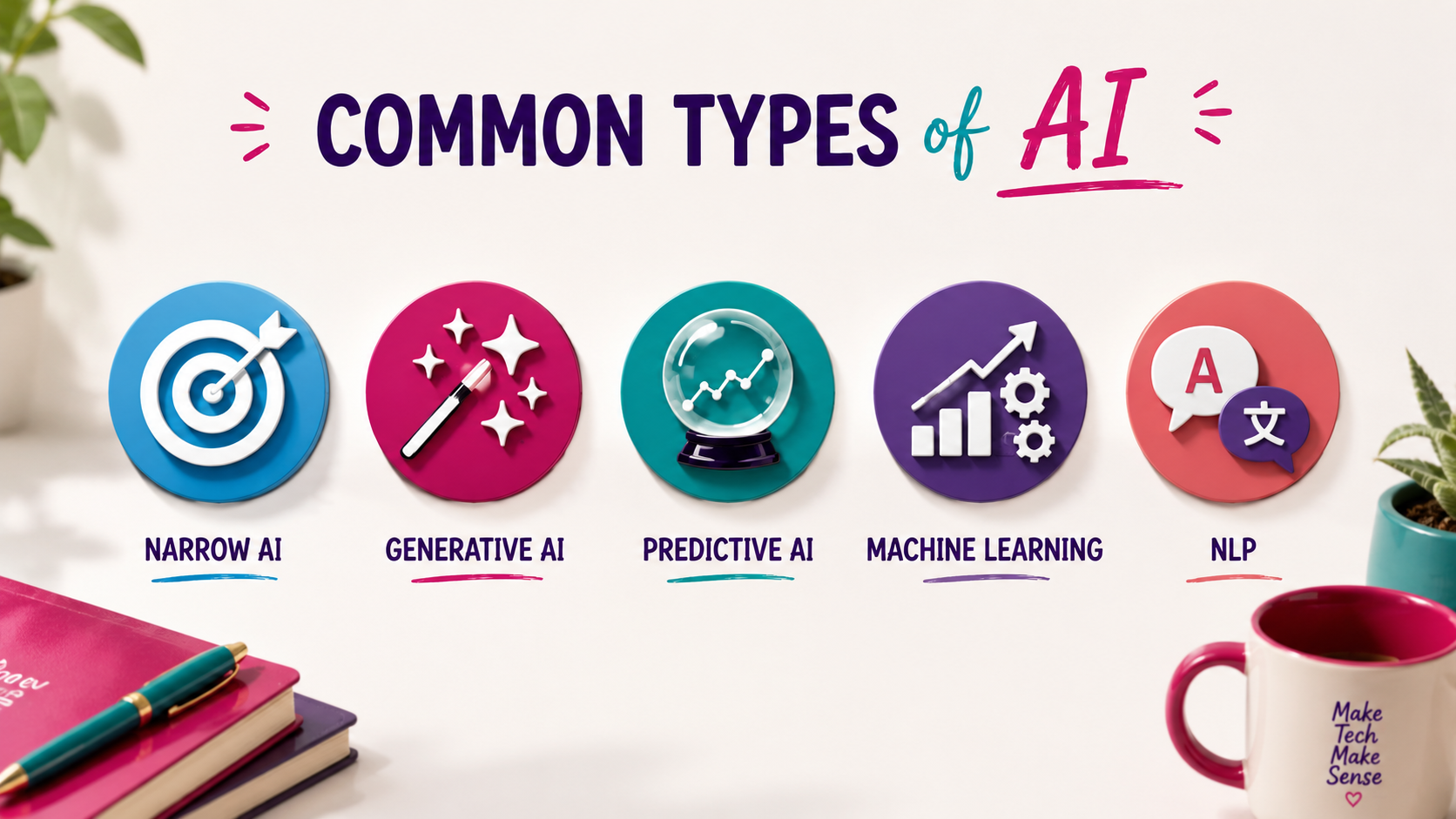
Common Types of AI You're Already Using
AI isn't one thing. It's a category. Here are the types you interact with every day:
1. Narrow AI (Weak AI)
This is AI designed to do ONE specific task really well. Your spam filter. Face recognition. Voice assistants. Recommendation algorithms. Most AI you encounter is narrow AI.
2. Generative AI
AI that creates new content—text, images, videos, music. ChatGPT, DALL-E, Midjourney. This is the type getting all the attention right now because it feels creative.
3. Predictive AI
AI that analyzes data and makes predictions. Weather forecasts. Stock market predictions. Medical diagnosis assistance. Fraud detection.
4. Machine Learning (ML)
A subset of AI where systems improve automatically through experience. Your Netflix recommendations get better because the system is learning what you like. That's machine learning.
5. Natural Language Processing (NLP)
AI that understands and generates human language. Siri, Alexa, Google Translate, ChatGPT. It's why you can ask your phone a question in your own words and it understands what you mean.
There's no "general AI" yet—the kind that can do everything a human can do. That's still science fiction. What we have now is really good narrow AI.
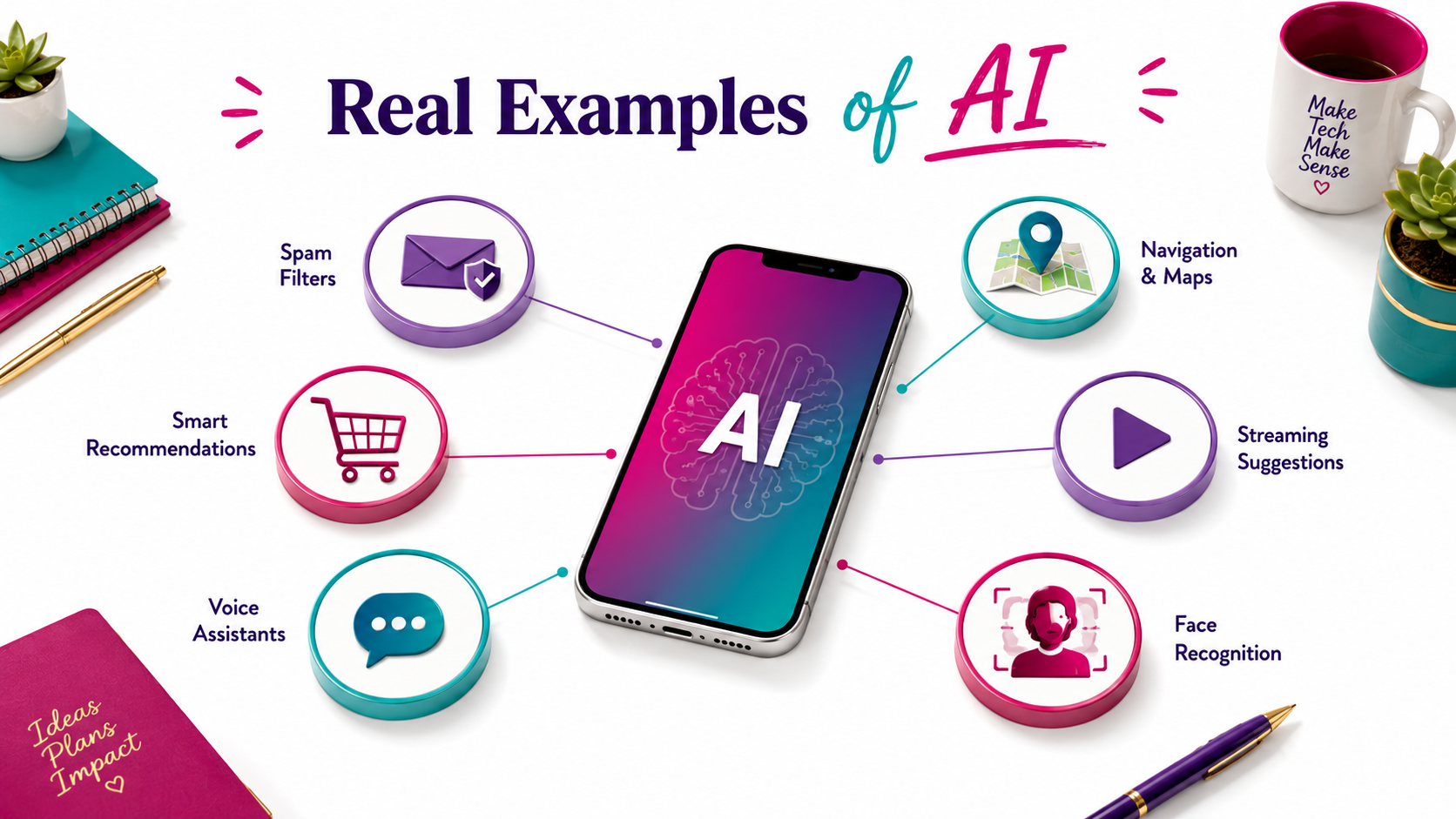
Real Examples of AI You've Used Today
You've probably interacted with AI multiple times today without even thinking about it:
Your smartphone:
Face unlock, predictive text, photo organization, voice assistants—all AI.
Email:
Spam filtering, smart replies ("Thanks!" "Sounds good!"), priority inbox sorting—AI.
Social media:
What shows up in your feed, friend suggestions, content moderation—AI.
Shopping:
Product recommendations, price predictions ("Buy now, price may increase"), fraud detection on your credit card—AI.
Navigation:
Real-time traffic updates, route optimization, estimated arrival times—AI.
Streaming services:
"Because you watched..." recommendations, auto-generated playlists, thumbnail personalization—AI.
You've been using AI for years. You just didn't call it that. You called it "my phone," "the algorithm," or "that thing that recommends stuff."
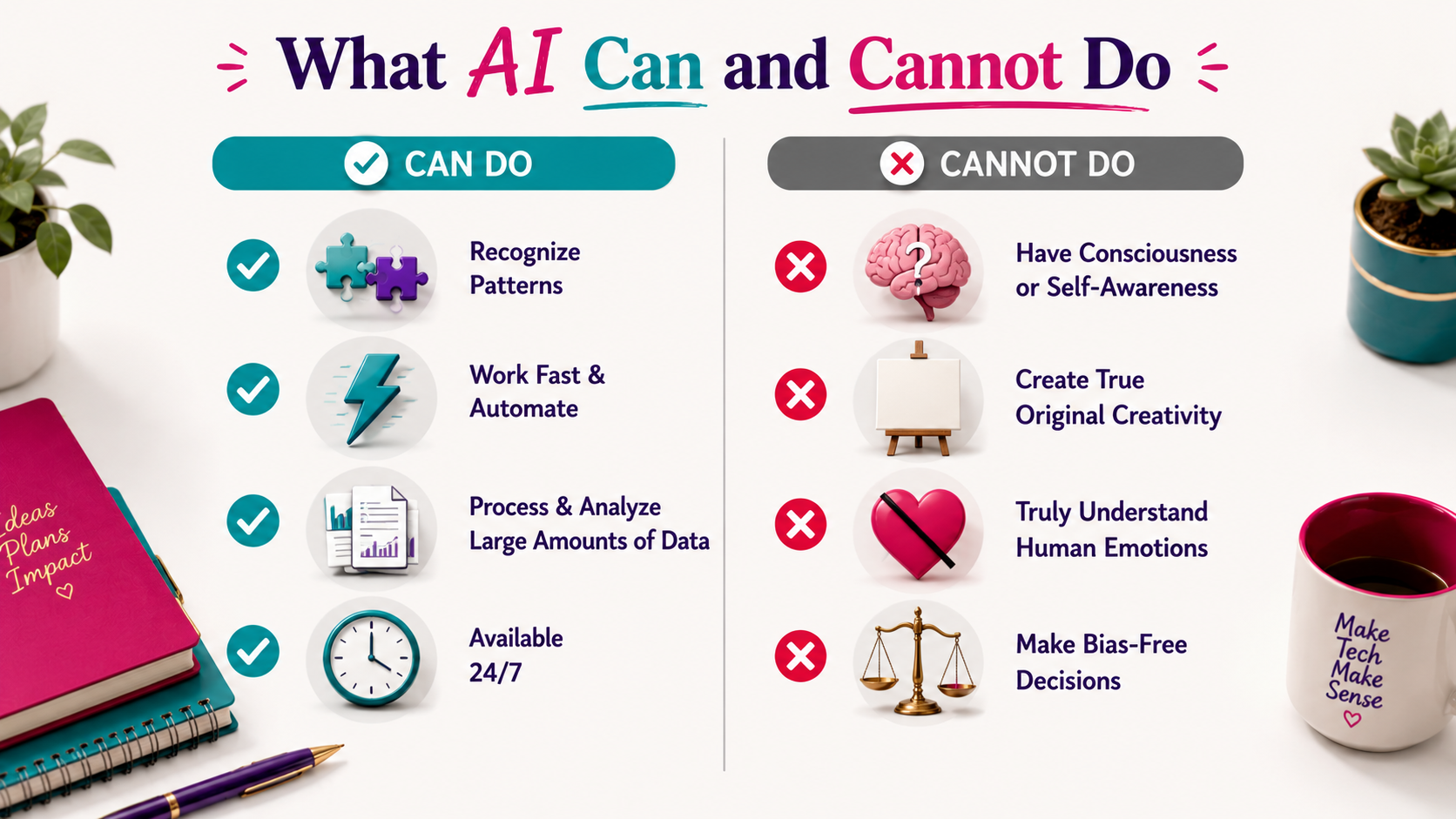
What AI Can and Cannot Do
Let's set realistic expectations.
What AI CAN Do:
Recognize patterns in massive amounts of data
Make predictions based on past examples
Automate repetitive tasks
Process information faster than humans
Work 24/7 without breaks
Handle multiple tasks simultaneously
Learn and improve from experience
What AI CANNOT Do:
Think or understand like humans (it doesn't have consciousness)
Make truly creative decisions (it remixes patterns, it doesn't create from nothing)
Handle situations completely outside its training
Explain why it made a specific decision (it's often a black box)
Feel empathy or understand nuance the way people do
Replace human judgment in complex, ethical situations
Work well with biased or incomplete data
The key thing to understand: AI doesn't think. It predicts.
It's really good at looking at what happened before and guessing what should happen next. But it's not "intelligent" the way humans are intelligent. It's pattern-matching at scale.
Why AI Feels Scary (And Why It Shouldn't)
People hear "AI" and think Terminator. Skynet. Robots taking over.
Here's why that's not the reality:
AI doesn't have goals. It doesn't want anything. It does what it's programmed to do. It's not scheming. It's computing.
AI doesn't understand context the way we do. It can tell you that fire is hot based on millions of examples, but it doesn't "know" what heat feels like.
AI makes mistakes. A lot. It's only as good as the data it was trained on. If the data is biased, incomplete, or wrong, the AI will reflect that.
The real concerns with AI aren't about robot uprisings. They're about:
Bias in AI systems (if the training data is biased, the AI will be too)
Privacy (AI needs data, and data can be misused)
Job displacement (some tasks will be automated)
Over-reliance (trusting AI when human judgment is needed)
These are real issues. But they're human problems, not AI problems. AI is a tool. Like any tool, it depends on how we use it.
Should You Be Using AI?
If you're a small business owner, solopreneur, or creator, the answer is probably yes—but strategically.
You should consider AI if:
You're spending too much time on repetitive tasks
You need help with content creation, design, or writing
You want to analyze data or spot trends faster
You're trying to automate customer service or admin work
You want to stay competitive as AI adoption grows
You probably don't need AI if:
Your business is built entirely on personal relationships
You have no repetitive tasks to automate
The tools don't fit your workflow or budget
You're not ready to learn new systems
Start small. Test one AI tool for one task. See if it actually saves you time. Don't adopt AI just because everyone else is. Adopt it because it solves a real problem for you.

FAQ: Common AI Questions
Q: Is AI going to take my job?
A: Some tasks will be automated. But AI creates new opportunities too. The people who learn to use AI as a tool will be more valuable than people who ignore it.
Q: Do I need to know how to code to use AI?
A: No. Most AI tools today are designed for non-technical users. ChatGPT, Canva AI, Grammarly—all no-code.
Q: Is AI expensive?
A: It depends. Many AI tools have free tiers (ChatGPT, Google's Gemini, Canva AI). Paid plans range from $10-100+/month.
Q: Can AI think for itself?
A: No. AI makes predictions based on patterns. It doesn't have thoughts, consciousness, or free will.
Q: Is AI always accurate?
A: No. AI can be confidently wrong. Always verify important information from AI outputs.
AI is software that learns from patterns instead of following exact instructions.
It's not magic. It's not sentient. It's not going to take over the world.
It's a tool. And like any tool, it's useful when you know what it can and can't do.
You've been using AI for years—spam filters, face unlock, Netflix recommendations. You just didn't think of it as "AI." You thought of it as "my phone working."
Now you know what's actually happening under the hood.
Over the next 21 days, I'm breaking down the AI tools that actually matter for small business owners and solopreneurs. No hype. No tech jargon. Just practical knowledge you can use.
Want to keep learning?
AI Made Simple Weekly-- Join me live every week as we tackle one part of your business with AI. Real tools, real demos, no jargon.
👉🏾Grab your spot
AI Literacy Bootcamp-- The full foundation. From AI basics to building it into your daily workflow. Built for entrepreneurs who are done being confused.
👉🏾Join the Bootcamp
AI Explorers Workshop for Kids-- Got a kid ages 8-16? Get them AI-fluent before it becomes a requirement.
👉🏾Learn More