

AI Voice Assistants for Small Business: Save Your Hands and Your Time (Day 6)
The AI Tool You're Ignoring That Could Save Your Hands (Literally)
If your hands hurt from typing all day, this is going to change your life.
Not metaphorically. Not “oh that's a helpful tip.” Actually change it—because there is a whole category of AI tools that most small business owners are completely sleeping on, and it's the one that requires the least amount of tech knowledge to use.
You already know how to talk. That's the whole skill set.
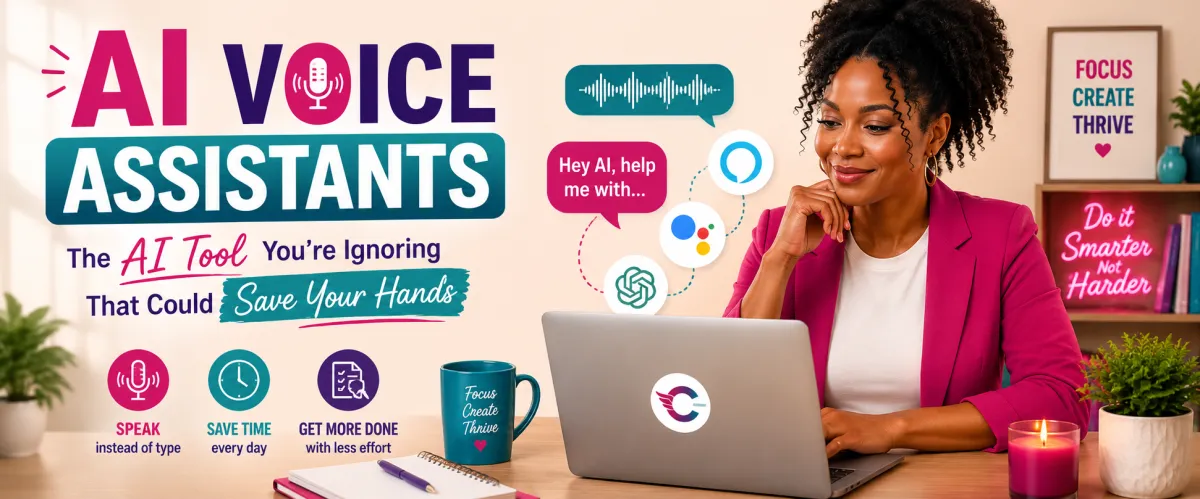
AI voice assistants and voice-to-text tools let you run significant parts of your business without touching a keyboard. Draft emails out loud. Dictate social captions while you're folding laundry. Respond to customer inquiries on a walk. Capture ideas the second they hit you instead of losing them by the time you find your phone.
And for anyone dealing with hand pain, wrist strain, carpal tunnel, or any condition that makes typing uncomfortable—this isn't a productivity hack. It's an accessibility tool. A real one. We're going to talk about that too.
This is Day 7 of 21 in the AI Made Simple Series — where I break down AI tools and concepts in plain English for small business owners who don't have time for tech jargon.
⬅️ Day 6: ChatGPT vs Claude vs Perplexity | Day 8: PSA — Small Business Owners Are Getting Sued Right Now ➡️
What Is an AI Voice Assistant?
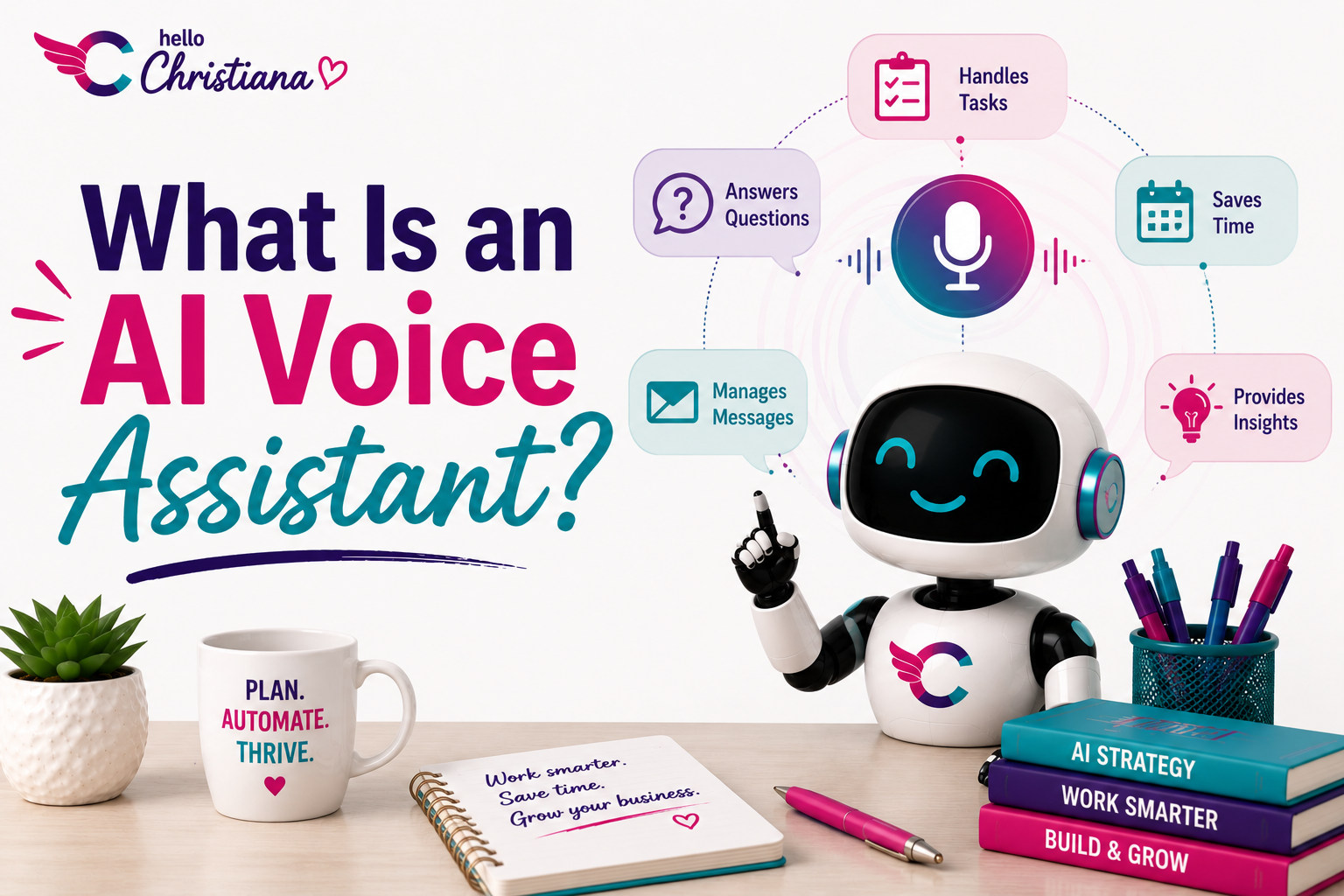
An AI voice assistant is a tool that listens to your spoken words and either transcribes them into text, responds to commands, or both. It's the technology behind Siri, Google Assistant, and Alexa—but it goes a lot further than setting timers and playing music.
The newer generation of AI voice tools can draft content, summarize meetings, answer complex questions, and integrate directly into your workflow. Some are standalone apps. Some are baked into tools you're already using. All of them work by turning your voice into something the AI can act on.
The short version: instead of typing at AI, you talk to it.
Why Are Small Business Owners Not Using This?
Honestly, a few reasons. Some people feel self-conscious talking out loud, especially if they work from home or a shared space. Some assume voice tools are only for the tech-forward crowd. Some just don't know they exist beyond “hey Siri, what's the weather.”
But here's what's actually happening when you skip this category of tools: you're leaving time on the table. Significant time. Most people speak at roughly 130 words per minute. Most people type at somewhere around 40. That gap is your whole afternoon.
If you are writing captions, emails, product descriptions, or any content for your business—and you're doing all of it by hand—voice tools are the fastest ROI upgrade you can make right now.
The Best AI Voice and Voice-to-Text Tools for Small Business Owners
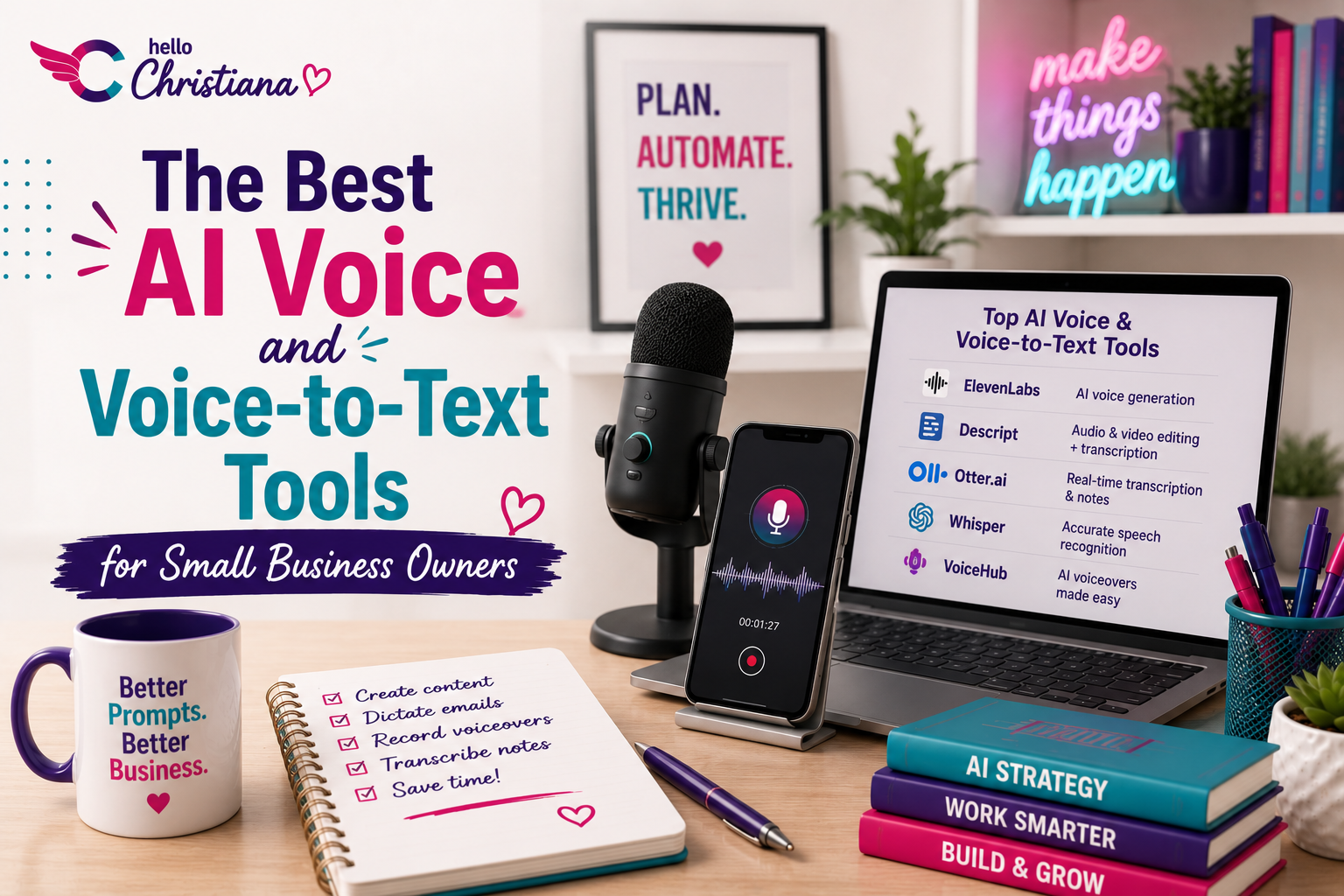
Whisper by OpenAI
Whisper is OpenAI's speech recognition tool and one of the most accurate transcription engines available. It handles accents, different speaking speeds, and background noise better than most tools in this category. It's built into several apps and platforms, so you may already be using it without knowing.
Best for: Transcribing voice memos, meeting notes, or any audio you want turned into text quickly and accurately.
Otter.ai
Otter.ai is a meeting transcription and voice notes tool that records, transcribes, and summarizes conversations in real time. It integrates with Zoom, Google Meet, and Microsoft Teams—which means if you're on client calls or team meetings, Otter can take your notes while you actually pay attention to the conversation.
Best for: Transcribing and summarizing meetings, client calls, interviews, and brainstorm sessions. There's a solid free plan to start.
Google Voice Typing (Built Into Google Docs)
This one is free, already exists inside a tool you probably use, and most people have never clicked it. In Google Docs, go to Tools, then Voice Typing. A microphone icon appears. Click it, start talking. It transcribes in real time.
That's it. No download. No setup. No subscription. Just talk.
Best for: Drafting long-form content, emails, or any written document hands-free. Especially useful if you think better out loud than on paper.
Apple Dictation and Windows Speech Recognition
Both are built directly into your device's operating system. Apple Dictation works in any text field on a Mac or iPhone—just tap the microphone on the keyboard or enable it in Settings. Windows Speech Recognition does the same on PC.
Neither requires internet access once set up, which makes them useful for offline work too.
Best for: Quick voice input across any app on your device without switching tools.
ChatGPT Voice Mode
ChatGPT's voice mode lets you have a full back-and-forth spoken conversation with the AI—not just dictation, but actual dialogue. You ask something out loud, it responds out loud, and you can keep the conversation going just like you're talking to a person. It's available on the ChatGPT mobile app.
Best for: Brainstorming out loud, thinking through business problems conversationally, or drafting content in a more natural back-and-forth way than typing allows.
The Accessibility Angle — And Why It Matters More Than Productivity
I want to stay here for a minute because this is important.
Voice-to-text and AI voice tools are not just productivity shortcuts. For a significant portion of people, they are necessary tools for participation. People with carpal tunnel syndrome, repetitive strain injuries, arthritis, dyslexia, ADHD, low vision, or any number of other conditions have been using voice tools to work, communicate, and create long before AI made them trendy.
If typing is painful, difficult, or exhausting for you—that's not a minor inconvenience to push through. That's your body telling you something. And there are tools built specifically to remove that barrier.
Reducing the physical demands of running your business is a legitimate use of AI. Actually, it's one of the best ones.
This connects to something we go deeper on in Day 16 and Day 17—accessibility isn't a feature you add for other people. It often ends up helping everyone, including you.
How to Actually Start Using Voice Tools Today
You don't need to overhaul anything. Start with one task you do repeatedly and try doing it out loud instead of by hand. Here's a simple entry point:
Open Google Docs. Go to Tools > Voice Typing. Turn on the microphone.
Think of the last caption, email, or product description you needed to write. Say it out loud like you're telling a friend about it.
Watch it appear on the screen. Clean it up. Done.
That's your first voice-to-text workflow. From there you can add Otter for meetings, ChatGPT Voice for brainstorming, and build from there. But one tool, one task, today—that's the assignment.
FAQ: AI Voice Assistants for Small Business
What is the best voice-to-text AI tool for small business owners?
It depends on the task. For meetings and calls, Otter.ai is the strongest option. For quick dictation while writing, Google Voice Typing is free and works immediately. For conversational AI brainstorming, ChatGPT Voice Mode on mobile is hard to beat.
Can I use AI voice tools to write social media content?
Yes, and it's one of the best use cases. Talk through your caption, product story, or post idea out loud using Google Voice Typing or ChatGPT Voice, then clean up the transcript and post. Most people's spoken voice is already more natural and engaging than their typed drafts.
Are voice-to-text tools accurate enough for business use?
Modern tools like Whisper by OpenAI and Google Voice Typing are highly accurate—typically 95% or above in clear conditions. You'll still want to review and edit the output, but the heavy lifting is done. Accuracy improves as the tool adjusts to your speech patterns over time.
Is voice typing good for people with disabilities or chronic pain?
Absolutely, and this is one of the most important use cases. Voice-to-text tools remove the physical barrier of typing for people with carpal tunnel, arthritis, repetitive strain injuries, dyslexia, and other conditions. These tools exist specifically to make technology more accessible.
Do AI voice tools work with a strong accent?
They've gotten significantly better. Whisper by OpenAI is particularly strong with varied accents and speaking speeds. Some tools still struggle in noisy environments or with very fast speech—if accuracy is an issue, try slowing your pace slightly and speaking closer to your microphone.
Is there a free AI voice assistant I can use for my business right now?
Yes—several. Google Voice Typing in Google Docs is completely free. Apple Dictation and Windows Speech Recognition are built into your devices at no cost. ChatGPT Voice Mode is available on the free plan of the ChatGPT mobile app.
What is the difference between voice-to-text and an AI voice assistant?
Voice-to-text simply transcribes what you say into written text. An AI voice assistant goes further—it understands, responds, and takes action based on what you say. Think of voice-to-text as a transcriptionist and an AI voice assistant as a collaborator you can have a conversation with.
The Bottom Line
Your voice is already your fastest input method. You just haven't been using it as one.
Whether the goal is saving time, protecting your hands, or removing the friction that makes you put off content creation—AI voice tools are the answer. And the bar to entry is about as low as it gets. You literally just have to open your mouth.
Your action step today: Enable Voice Typing in Google Docs right now. Draft your next caption, email, or even a to-do list out loud. Time yourself. Then compare it to how long typing that same thing would have taken.
Want to see voice tools in action for real business tasks—live, with me walking you through it? AI Made Simple Weekly is a weekly Zoom where we pick one workflow and actually build it together. Voice tools, prompts, AI outputs—the whole thing. You leave with something usable. Grab your spot.
⬅️ Day 6: ChatGPT vs Claude vs Perplexity
➡️ Day 8: PSA — Small Business Owners Are Getting Sued Right Now
📚 View the Full AI Made Simple Series
Want to keep learning?
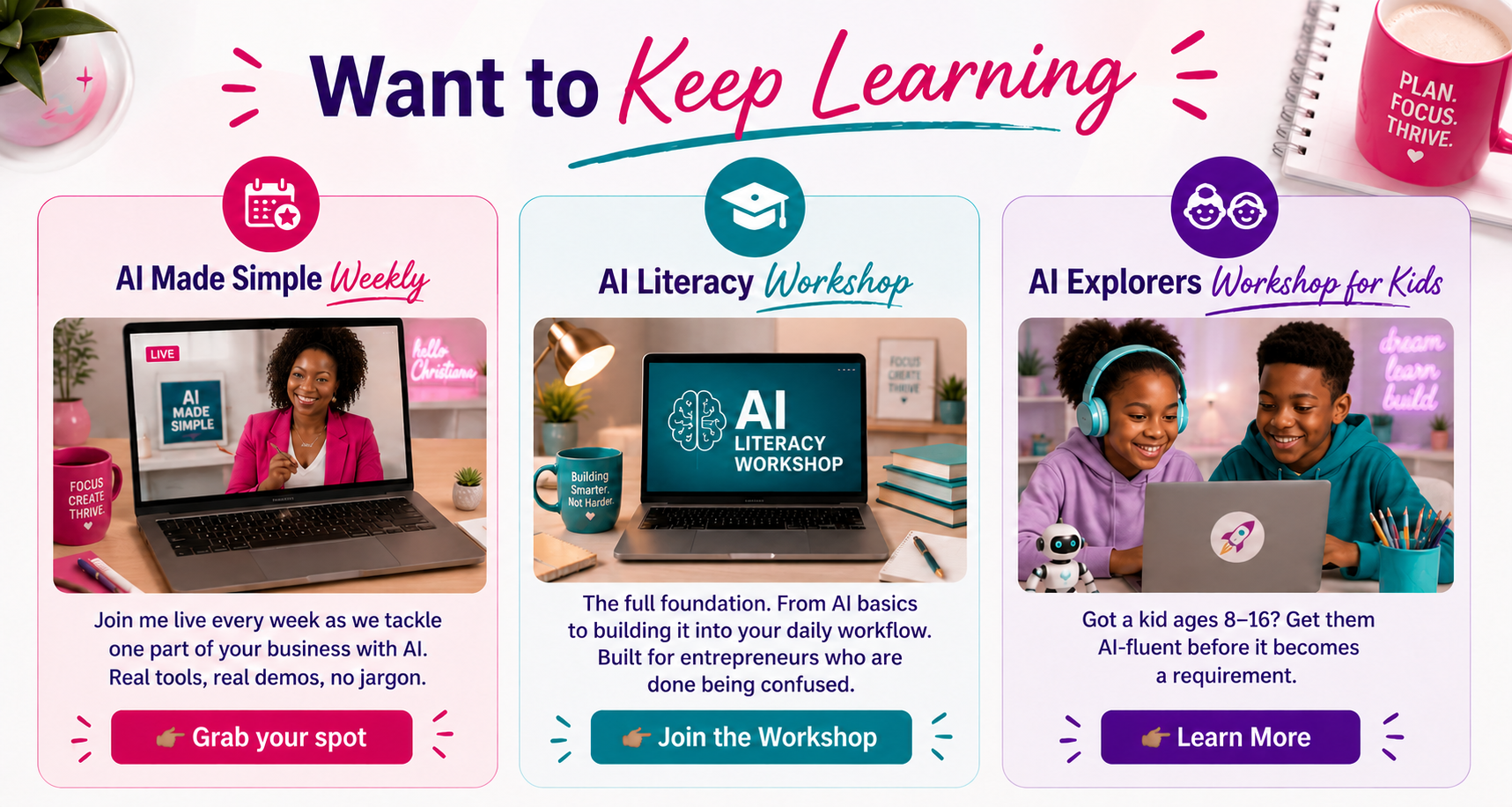
AI Made Simple Weekly-- Join me live every week as we tackle one part of your business with AI. Real tools, real demos, no jargon.
👉🏾Grab your spot
AI Literacy Bootcamp-- The full foundation. From AI basics to building it into your daily workflow. Built for entrepreneurs who are done being confused.
👉🏾Join the Bootcamp
AI Explorers Workshop for Kids-- Got a kid ages 8-16? Get them AI-fluent before it becomes a requirement.
👉🏾Learn More