

Prompt Libraries: The AI Cheat Codes for Small Business Owners
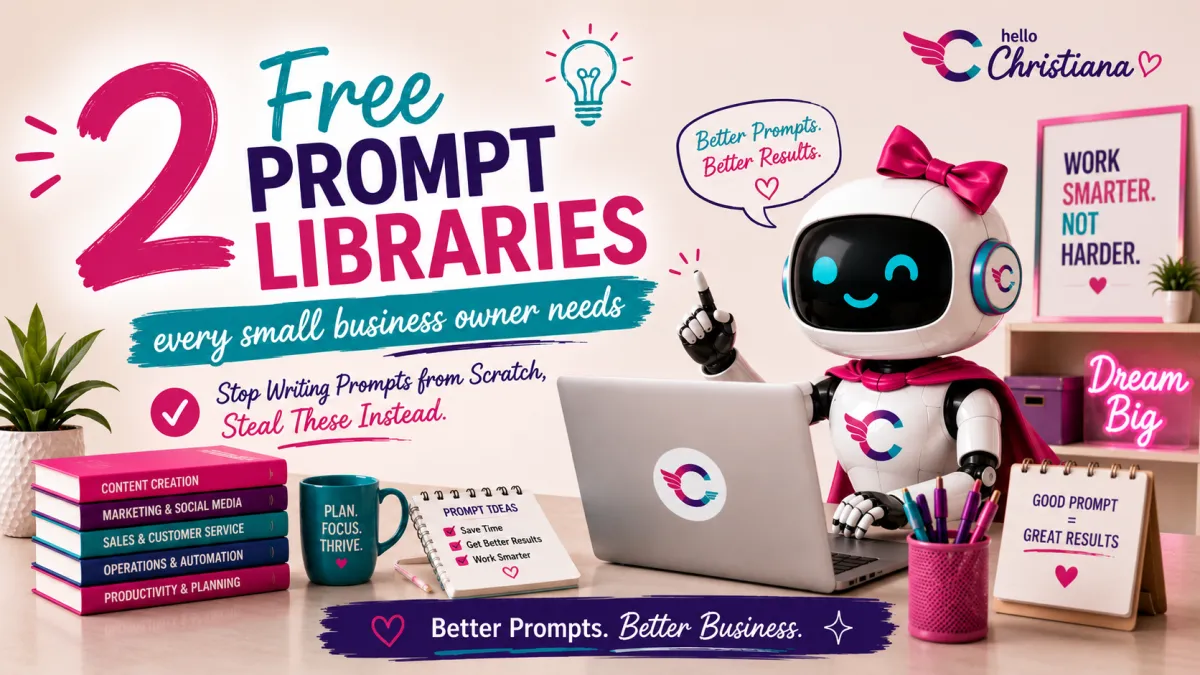
2 Free AI Prompt Libraries Every Small Business Owner Needs (Day 5)
The secret to better AI results isn't a better tool. It's a better prompt.
That's it. That's the whole day.
No prompt, generic results. Mid prompt, "meh" results you settle for because you're tired. Strategic prompt, chef's kiss. And here's the thing nobody tells you: the people who seem like AI wizards aren't using some secret model you don't have access to. They're just working from better prompts. Prompts they didn't have to write from scratch, because someone already built the library for them.
This is Day 5 of 21 in the AI Made Simple Series, where I break down AI tools and concepts in plain English for small business owners who don't have time for tech jargon.
This is Day 5 of 21 in the AI Made Simple Series — where I break down AI tools and concepts in plain English for small business owners who don't have time for tech jargon.
⬅️ Day 4: Why Your AI Gives Dumb Answers (And How to Fix It) | Day 6: ChatGPT vs Claude vs Perplexity ➡️
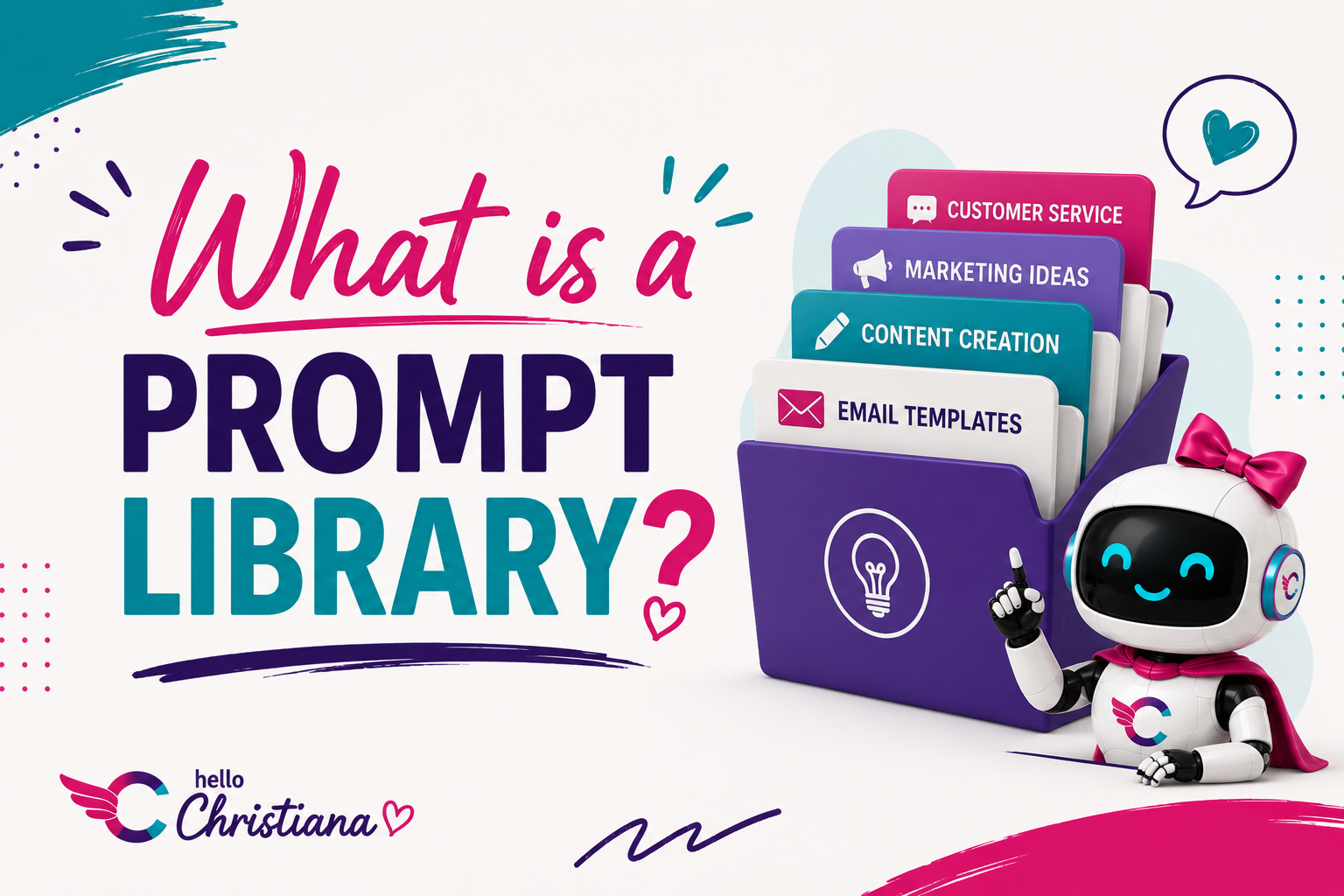
What Is a Prompt Library?
A prompt library is a collection of tested, reusable AI prompts you can grab instead of building one from zero every time. Think of it as a swipe file, but for AI. Someone already did the trial and error. You just show up and use what works.
You don't need to build this yourself on day one. Sometimes the fastest way in is borrowing someone else's system first, then customizing it once you know what you actually need.
Why Do Small Business Owners Need a Prompt Library?
Because time is money and you don't have either to waste. A prompt library saves you time on every task that touches AI—which, if you're running your business right, should be a lot of tasks.
Here's what it actually buys you:
Consistency. Your captions, emails, and content sound like you every time—not like a different version of you depending on how much coffee you had when you wrote the prompt.
Speed. No setup from scratch. You grab, customize, and go.
Better results. These are prompts you already know work. You're not experimenting, you're executing.
Easy delegation. If you ever hand off social media or email to a VA or team member, they have a tested system to work from. That's leverage.
What Should Go in a Small Business Prompt Library?
Start with the tasks you do over and over again. Those repetitive, “I do this every week” tasks are exactly where a prompt library pays off the fastest.
For most small business owners, that list looks something like this:
Content & Social Media
Instagram captions
Facebook post copy
Pinterest descriptions
Story or Reel hooks
Newsletter drafts
Customer follow-up emails
Abandoned cart nudges
Thank you emails after purchase
Customer Experience
Responses to common questions
Replies to negative reviews
FAQ page content (we go deep on this in Day 19)
Business Operations
Product descriptions
Bio copy for different platforms
Pitch emails to wholesale buyers or collaborators
Website page copy
You don't have to build all of this on day one. Start with your top three most-used tasks and grow from there.
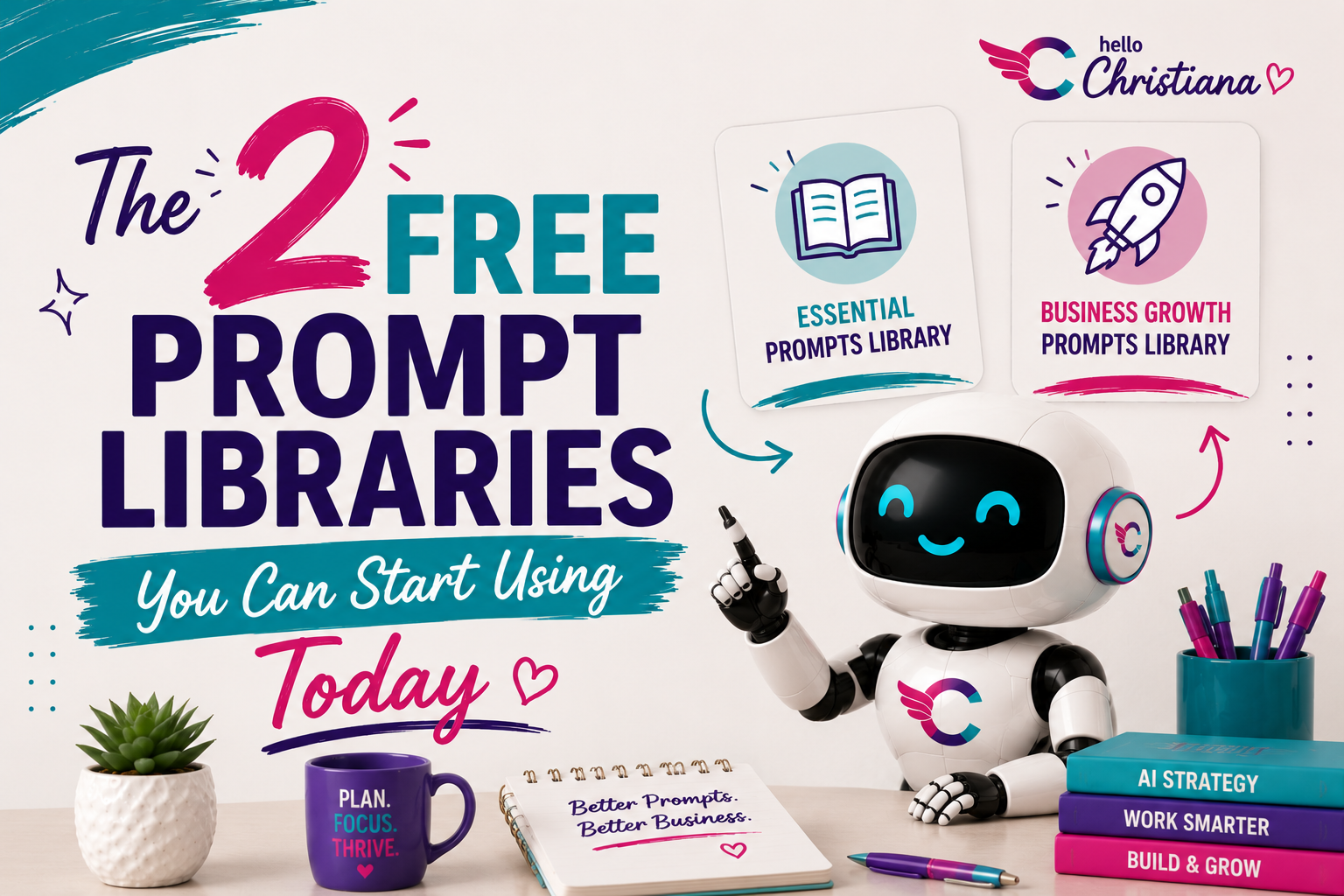
The 2 Free Prompt Libraries You Can Start Using Today
Here are the two I actually recommend, both free, both genuinely useful.
AI for Work (aiforwork.co)
Over 2,000 prompts organized by profession and task. You search by what you actually do, marketer, consultant, product manager, whatever fits, and pull prompts built for that role. This is the one to bookmark if you want breadth.
OpenAI Prompt Packs (academy.openai.com)
Structured collections built directly by OpenAI, organized by use case with examples attached. Less overwhelming than scrolling a database, more like a curated starting point.
Both are free. Both beat guessing. Pick one, open it, find a prompt for a task you already do this week.
How to Actually Use These (Not Just Bookmark Them)
A prompt library only works if you use it, which sounds obvious until you realize how many tabs are sitting open in your browser right now doing nothing for you.
So here's the move. Don't browse the whole library. Go in with one task in mind, something you do on repeat, like an Instagram caption or a customer follow up email. Search for that specific thing. Test the prompt. Tweak it until it sounds like you. Save the version that worked somewhere you'll actually look again.
That's it. You don't need the whole library memorized. You need three or four prompts you trust.
How to Organize Your Prompt Library So You Actually Use It
The most beautifully built prompt library means nothing if it takes you four minutes to find anything. Keep it simple.
Option 1: Google Doc with headers. One doc, organized by category (Content, Email, Customer Service, Operations). Use Ctrl+F to find what you need.
Option 2: Notion database. Add tags, task type, and platform. Great if you're already in Notion and like a little structure.
Option 3: Notes app. Dead simple. Folders by category. Works great on mobile when you're on the go.
Whatever you pick—commit to one place. The whole point is that you know exactly where to look.
How to Add New Prompts to Your Library
Every time you get a result you love, save the prompt immediately. Don't wait. You will forget. We all forget.
A good prompt entry looks like this:
Task: What were you trying to do?
The prompt: The full text, with brackets showing what to customize
Notes: What worked well? Anything to tweak next time?
That's it. Three fields. Takes about ninety seconds to log. Saves you fifteen minutes of frustration the next time you need it.
FAQ: Prompt Libraries for Small Business
What is a prompt library and do I really need one?
A prompt library is a saved collection of reusable AI prompts organized by task. If you use AI more than once a week for your business, yes—you need one. It saves time, keeps your output consistent, and makes AI feel like an actual system instead of a guessing game.
Where should I store my AI prompt library?
Anywhere you'll actually use it. Google Docs, Notion, Apple Notes, even a simple spreadsheet. The best storage system is the one you open without thinking about it.
Can I use someone else's prompt library or do I have to write my own?
You can absolutely start with templates—including the ones in this post. Customize them with your business name, audience, and tone, then save the versions that work. Over time you'll build a library that's uniquely yours.
How is a prompt library different from a prompt template?
A template is a single reusable prompt with fill-in-the-blank brackets. A library is a whole organized collection of templates. Think of a template as one recipe card and the library as the whole recipe box.
Do I need a different prompt library for ChatGPT vs Claude?
Not necessarily. Well-structured prompts work across most AI tools. You might find slight differences in tone or format between tools—we break that down in Day 6: ChatGPT vs Claude vs Perplexity—but your core library transfers.
How often should I update my prompt library?
Whenever something stops working well, or whenever you find a better way to phrase something. Treat it like a living document, not a one-time build. A quick review once a month keeps it sharp.
What if my prompts are giving inconsistent results?
Add more specificity. Inconsistency usually means the prompt is leaving too much open for interpretation. Tighten the format, tone, and constraints sections and the results will stabilize.
The Bottom Line
You don't need to be a prompt engineer. You just need a system. A prompt library is that system—simple, practical, and built to save you real time on real tasks every single week.
Start small. Pick three tasks you do on repeat, build a prompt for each one using the framework from Day 4, test them, tweak them, and save what works. That's your library. You just built it.
Your action step today: Open a new Google Doc right now. Name it “My Prompt Library.” Paste in at least one prompt from this post, customize it for your business, and save it. That's the whole assignment. One prompt. Go.
Want to build your prompt library live with me and see it in action across real business tasks? AI Made Simple Weekly is a weekly Zoom where we take one workflow per session and actually build it together—prompts, tools, and all. You leave with something you can use the same day.
⬅️ Day 4: Why Your AI Gives Dumb Answers (And How to Fix It)
➡️ Day 6: ChatGPT vs Claude vs Perplexity
📚 View the Full AI Made Simple Series
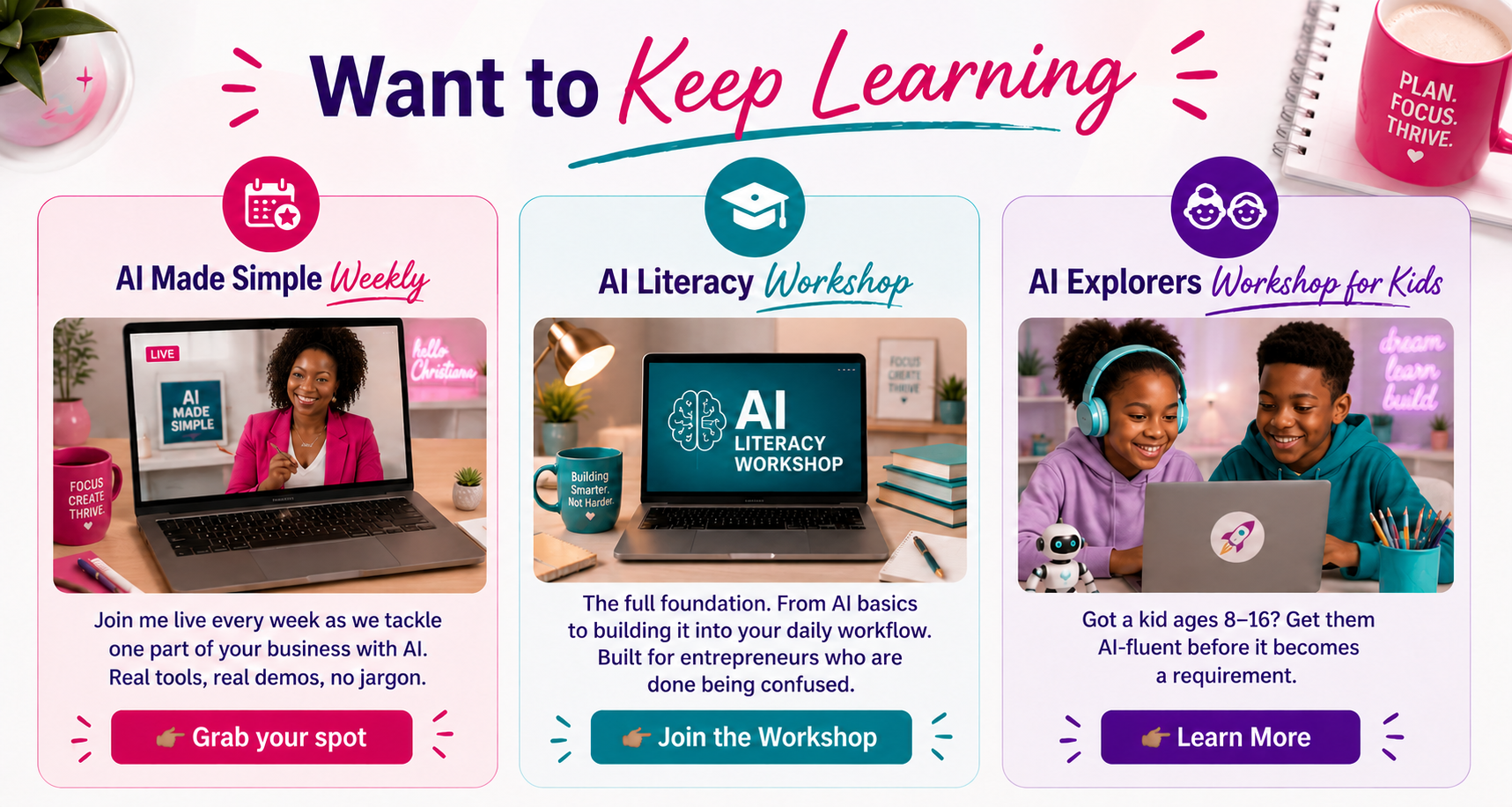
Want to keep learning?
AI Made Simple Weekly-- Join me live every week as we tackle one part of your business with AI. Real tools, real demos, no jargon.
👉🏾Grab your spot
AI Literacy Bootcamp-- The full foundation. From AI basics to building it into your daily workflow. Built for entrepreneurs who are done being confused.
👉🏾Join the Bootcamp
AI Explorers Workshop for Kids-- Got a kid ages 8-16? Get them AI-fluent before it becomes a requirement.
👉🏾Learn More